
Start Here
Stop Sounding Like ChatGPT: Build Your First Voiceprint with the VAST Framework
You’ve told AI to “write in my voice.” Probably more than once.
And every time, it handed back something you’d never publish under your name without gutting it first. Technically correct. Structurally fine. Dead on arrival. Completely missing whatever it is that makes your writing yours.
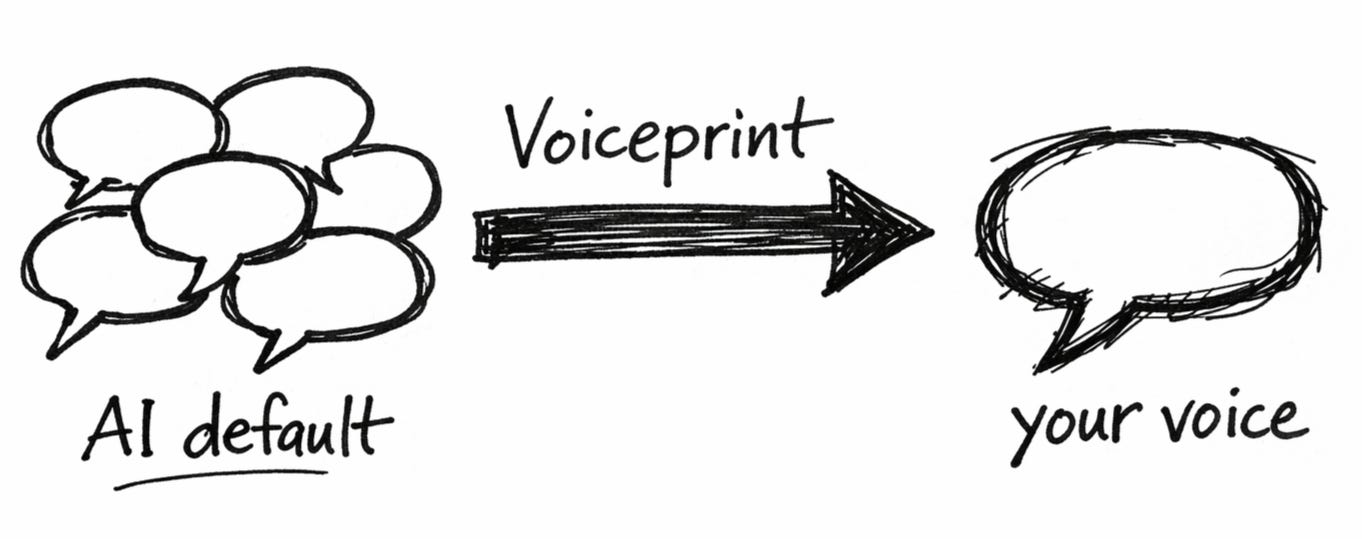
That’s not a prompting problem. AI just doesn’t know who you are. It has zero information about how you write. So it predicts the most probable words. And probable means average. Average means generic. Generic means your content could’ve been published by a fourteen-year-old with a ChatGPT tab open during study hall.
The fix isn’t a better prompt. It’s giving AI a map of your actual writing patterns.
I built the Voiceprint Quick Start around something called the VAST framework — four layers of your writing voice that AI needs documented before it can stop defaulting to slop. Vocabulary. Architecture. Stance. Tempo. The Quick Start walks you through all four with exercises you can finish in about 30 minutes.
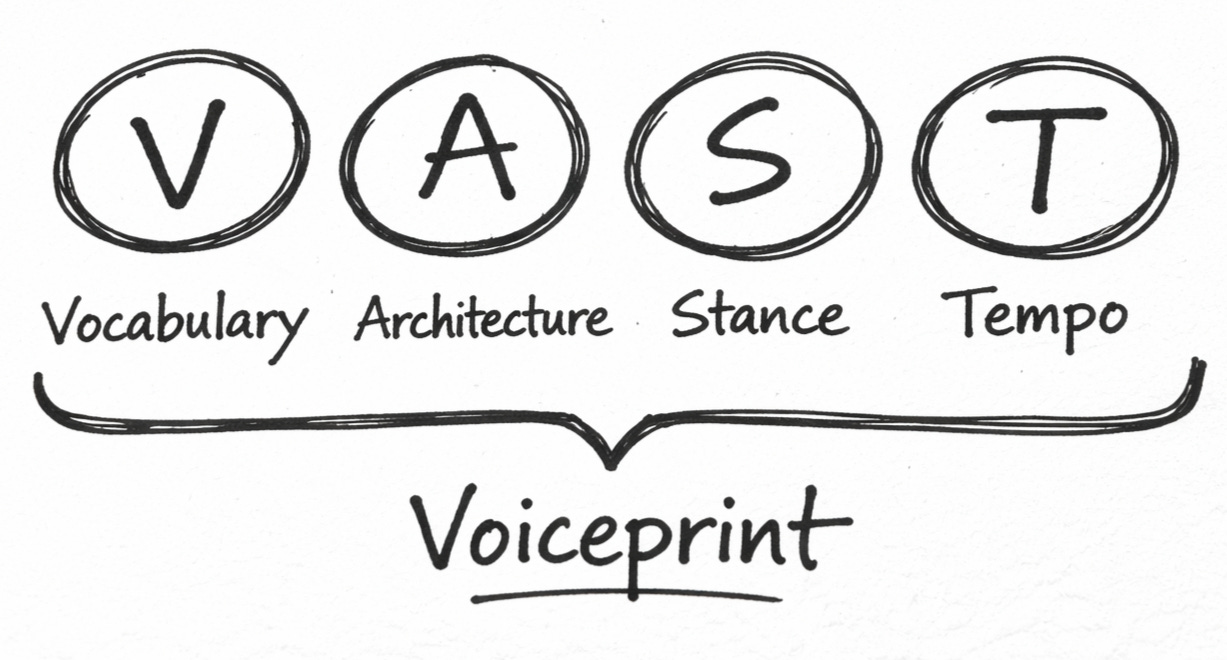
You won’t get a perfect Voiceprint from this. (That takes deeper work.) But you will get a functional one. Enough to see real, immediate improvement the next time you sit down with AI.
“What’s Inside”
The VAST framework — all four layers explained. Most people think voice is just word choice. That’s one layer out of four. The other three are where AI drifts hardest. And where most “write in my voice” attempts silently fall apart.
Quick-fire exercises for each layer. Not theory. Actual prompts that surface your real patterns. The ones you’ve never consciously noticed but your readers recognize instantly.
The Banned Words list you didn’t know you needed. A simple exercise that stops AI from slipping corporate jargon into your drafts. You’ll recognize every word on your list because you’ve been manually deleting them for months.
A fill-in Voiceprint template. The document you paste into AI before every session. Think of it as the instruction manual you’ve been forgetting to include with every “write in my voice” request.
A 3-sentence calibration test. How to verify AI actually understood your Voiceprint before it writes 800 words in the wrong direction. Five minutes that save forty-five.
One extra click. Here’s why.
I host the Voiceprint Quick Start separately so I can keep it updated as the framework evolves. You’ll always have the current version.
Hit the button below. On the next page, just drop your email or connect with Google. The full Quick Start toolkit lands in your inbox immediately.
Your Voiceprint is one click away…
FAQs
Is this actually free? Yes. The full Quick Start toolkit. No credit card. No “free trial” that charges you on day four.
How long does it take? About 20-30 minutes to build your first Voiceprint. You’ll see the difference in your very next AI session.
Do I need to be a good writer for this to work? You need to be your kind of writer. The Voiceprint captures your actual patterns, not some idealized version. Whatever you bring, this makes AI match it instead of ignoring it.
Will this work with ChatGPT? Claude? Something else? Yes. The framework is model-agnostic. Your Voiceprint works with whatever AI tool you’re using.
What’s the catch? What are you selling? I teach a full course on AI collaboration called Co-Write OS. The Quick Start gives you the foundation. If you want deeper documentation, calibration methods, and workflows, the course is there. Zero pressure. The Quick Start stands on its own.
I’ve tried prompt templates before. How is this different? Prompt templates give AI better instructions about what to write. A Voiceprint gives AI instructions about how you write. Different problem. Different fix.